Annual Budget
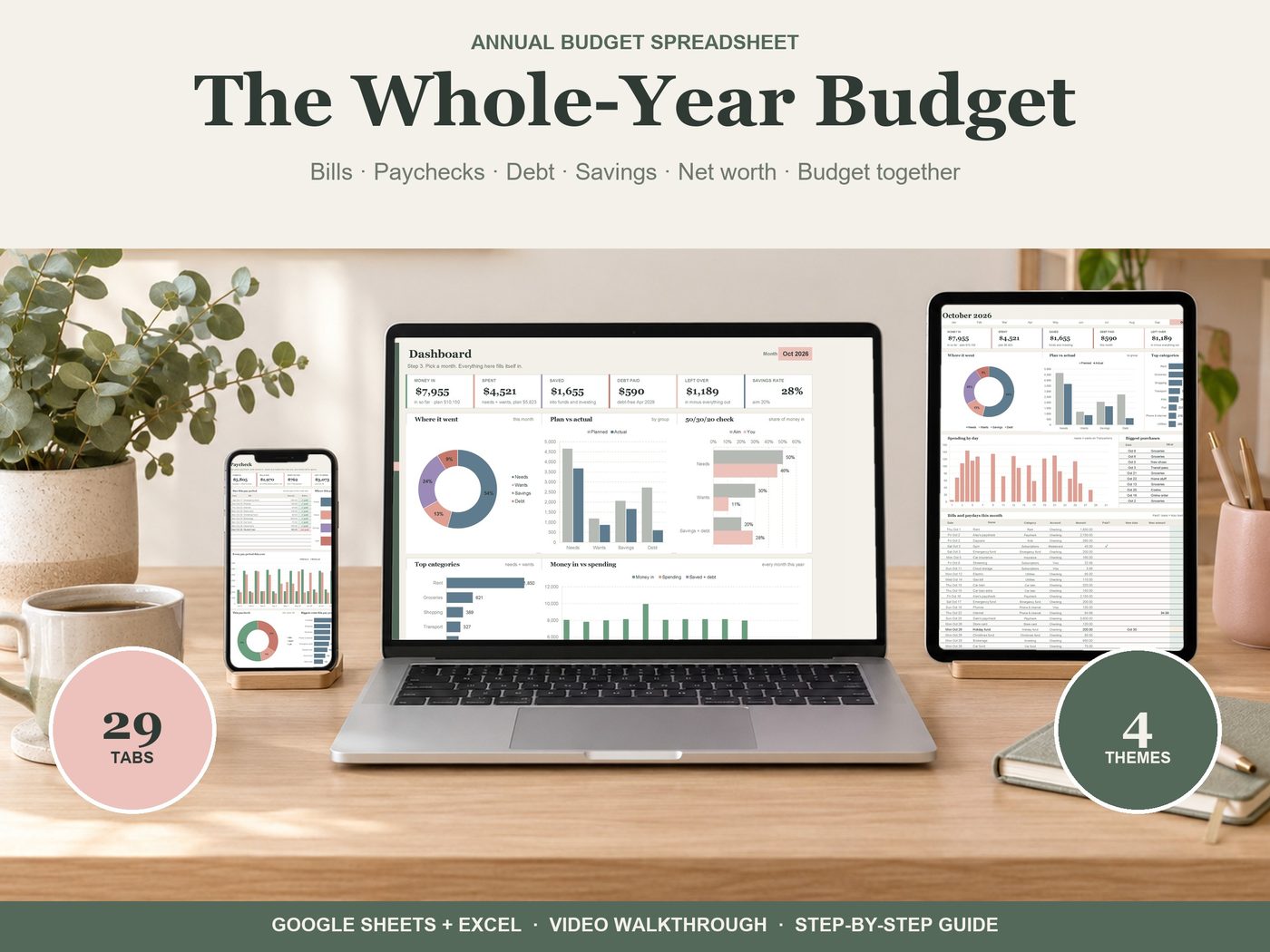
Your whole year of money in one spreadsheet: type a purchase once, and every chart, month tab, bill calendar and paycheck plan updates by itself. Works in Google Sheets (free) and Excel 365.
Get it on EtsyGoogle Sheets (free) and Excel 365 · Four themes · Instant download · Works on phone and tablet in the Google Sheets app
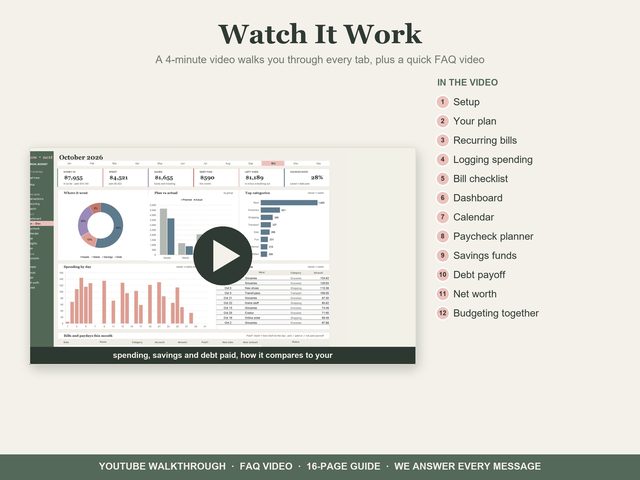
WATCH IT WORK
▶ See it working: a 4-minute video walks through every tab (link in the PDF and on the Start tab).
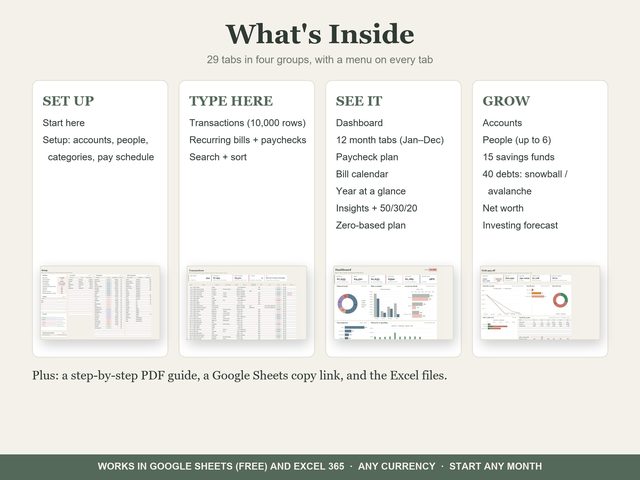
WHAT'S INSIDE (29 TABS)
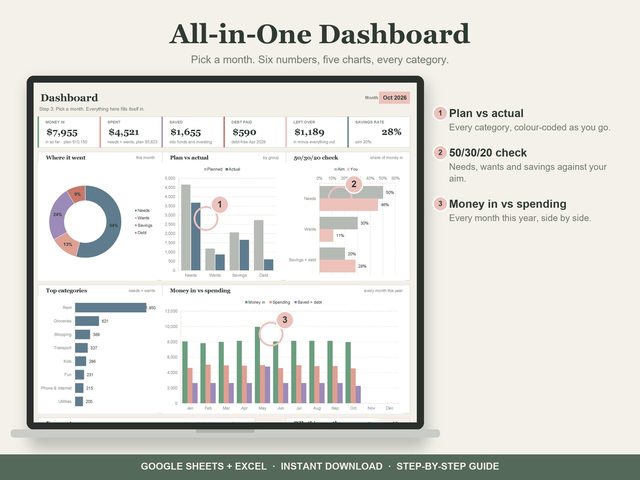
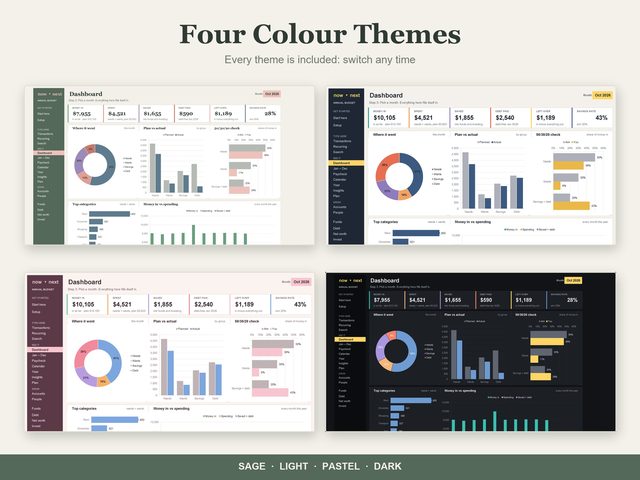
- Dashboard: six numbers, plan vs actual, the 50/30/20 check and every category, for any month
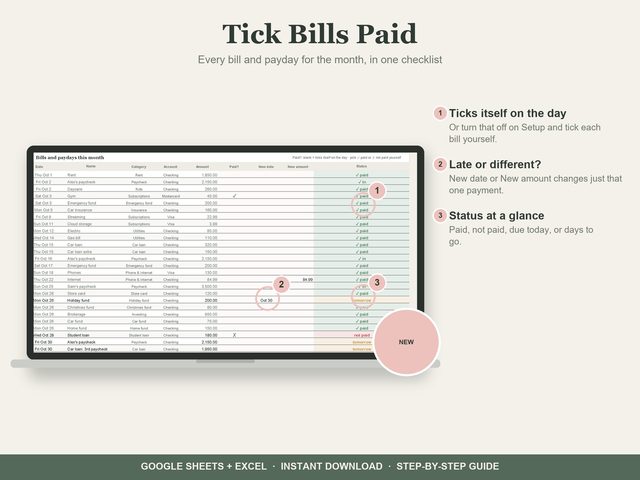
- 12 month tabs with a bill checklist: bills tick themselves on the day, or tick them yourself; move one payment's date or change its amount and every tab follows
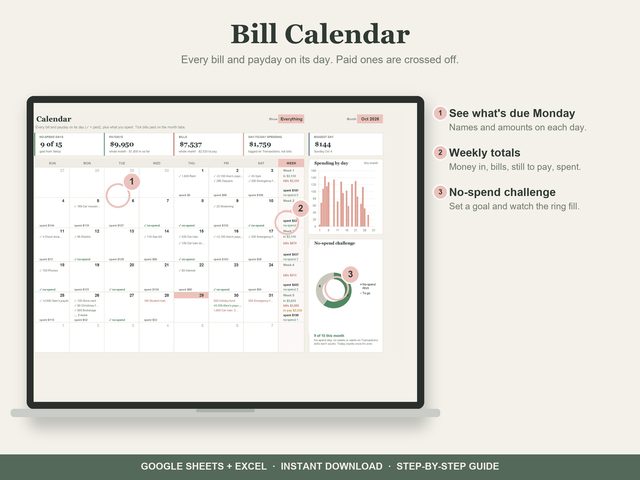
- Bill calendar: every bill and payday on its day, what you spent, no-spend days
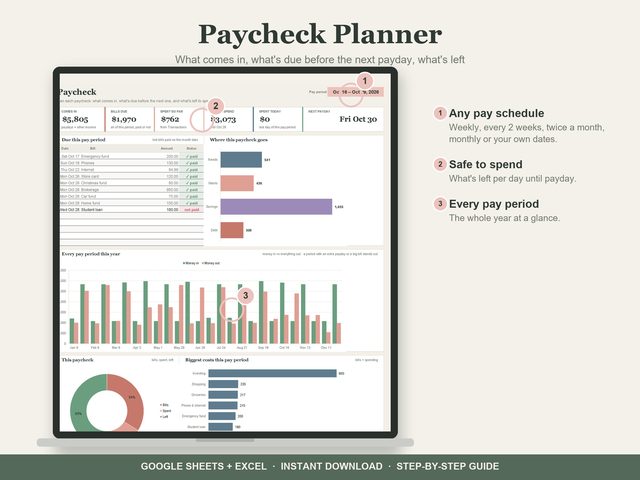
- Paycheck planner: what comes in, what's due before the next payday, what's left per day (weekly, every 2 weeks, twice a month, monthly or your own dates)
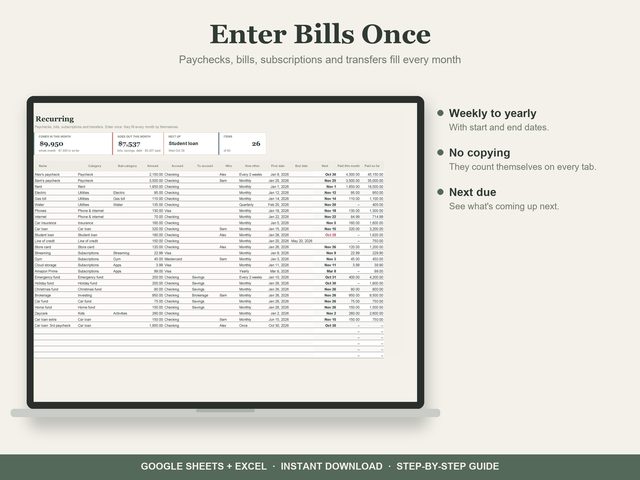
- Recurring: enter paychecks, bills, subscriptions and transfers once
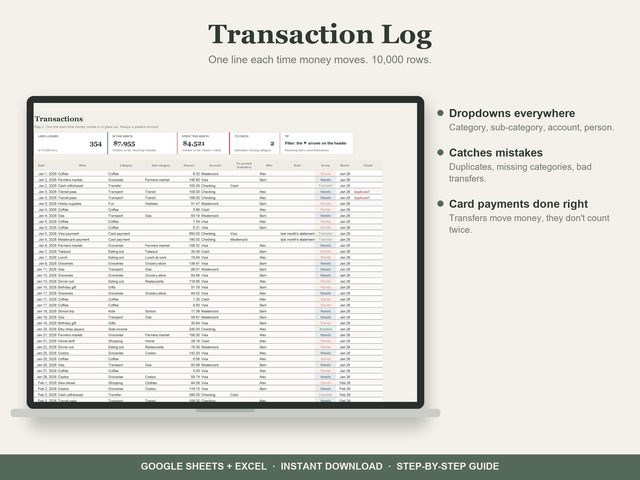
- Transactions: 10,000 rows, dropdowns, a check column that catches duplicates
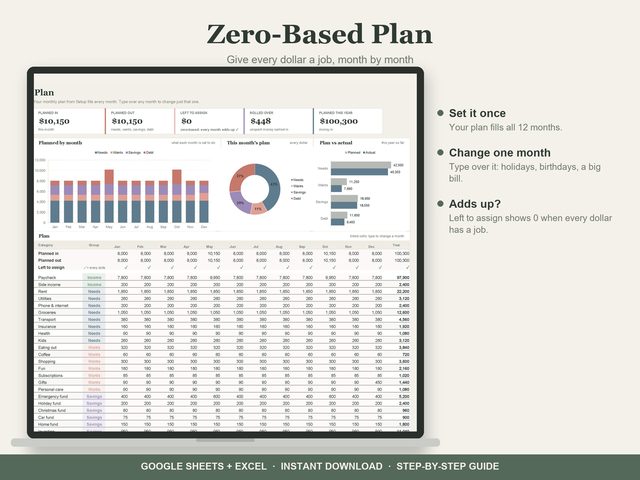
- Zero-based plan, month by month, with roll-over
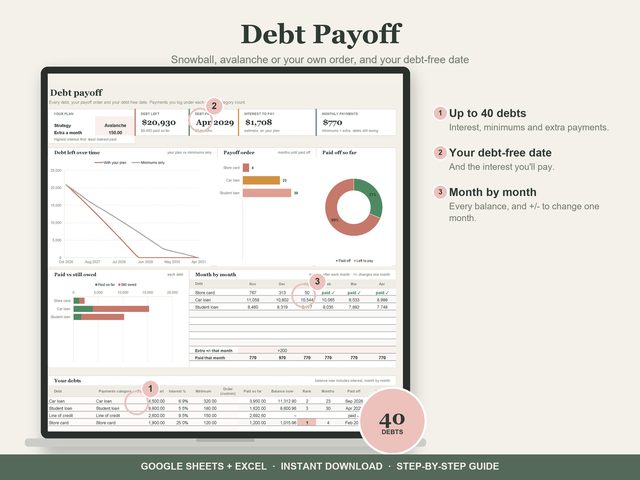
- Debt payoff: up to 40 debts, snowball or avalanche, your debt-free date and a month-by-month schedule
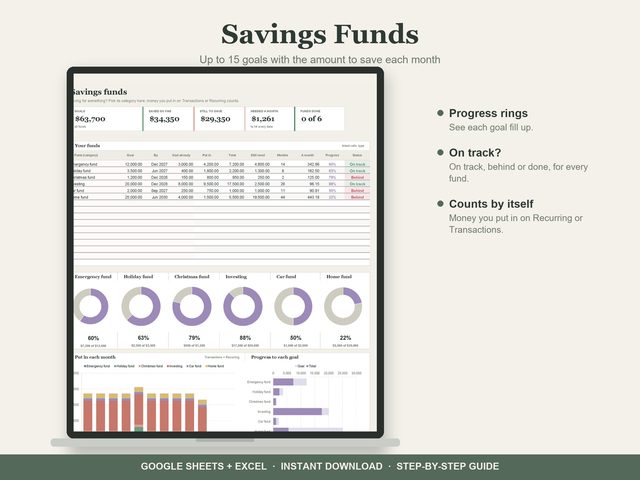
- Savings funds: 15 goals with progress rings
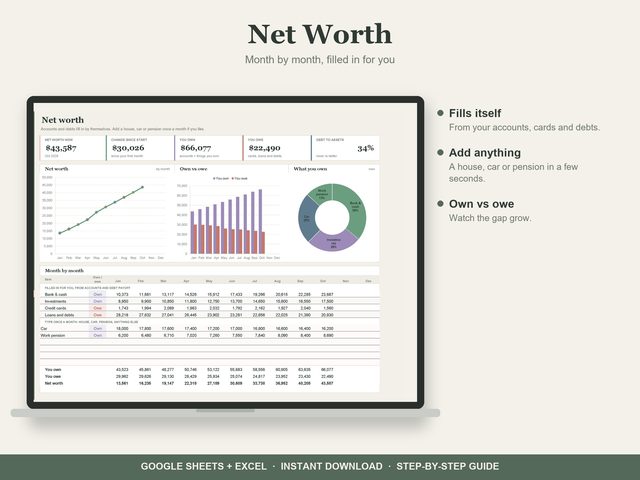
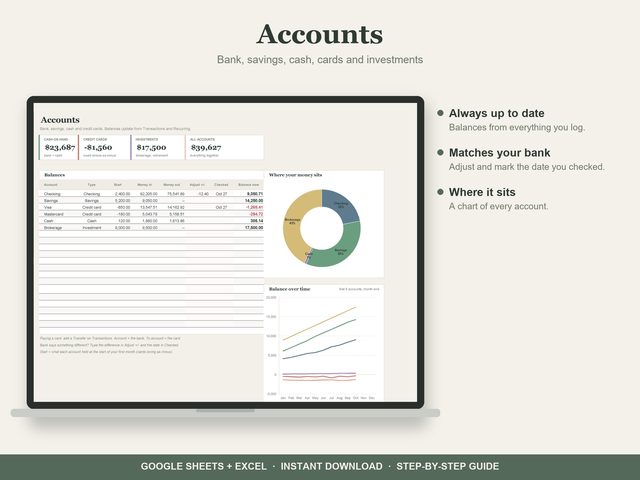
- Accounts, net worth and an investing forecast
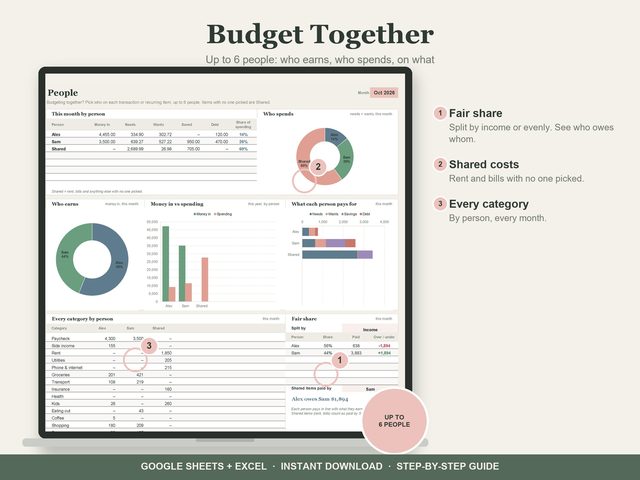
- Budget together: up to 6 people, with a fair-share split
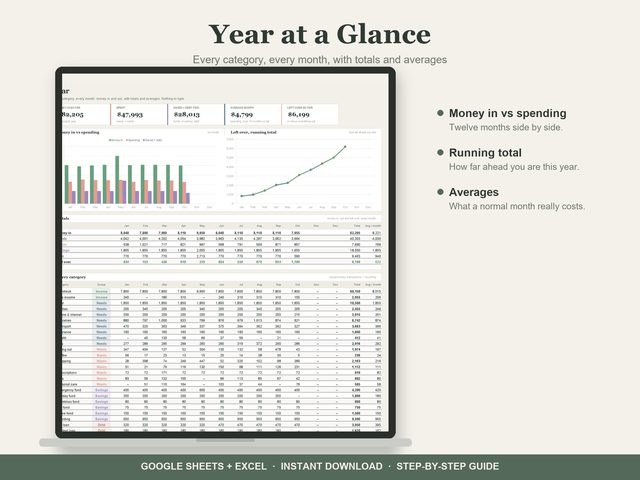
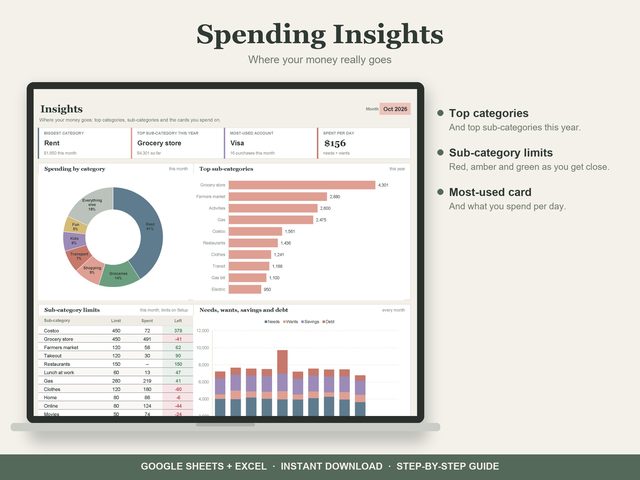
- Year at a glance, spending insights, search
YOU GET
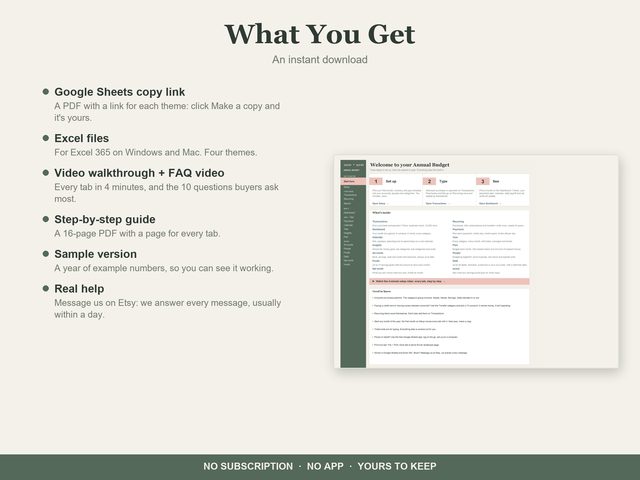
- A PDF with a Google Sheets "Make a copy" link for each theme: Sage, Light, Pastel, Dark
- The Excel files (Excel 365, Windows and Mac)
- A 16-page step-by-step guide
- A sample copy with a year of example numbers
- A setup video and an FAQ video on YouTube
HOW IT WORKS
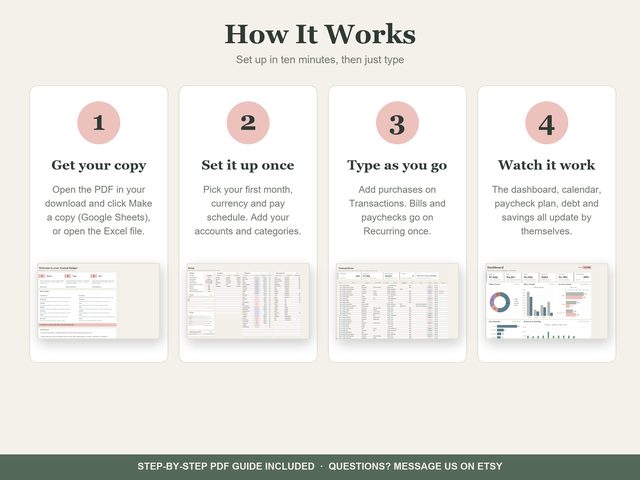
1. Download the PDF and click Make a copy (or open the Excel file). 2. On Setup, pick your first month, currency and pay schedule. 3. Add purchases on Transactions; bills and paychecks go on Recurring once. 4. Everything else fills itself in.
GOOD TO KNOW
- Digital download: nothing is shipped.
- Start any month, any currency.
- Works on phone and tablet in the free Google Sheets app (set it up on a computer first).
- Every tab prints on one landscape page.
How you get it
Checkout, receipts and reviews stay on Etsy. Your download is ready right after you pay.
Open the PDF, click a theme's link, then Make a copy. It's yours in your own Google Drive. Prefer Excel? The Excel files are in the download too.
Enter your numbers once. Dashboards, charts and totals work themselves out.
More like this
Budget Spreadsheets
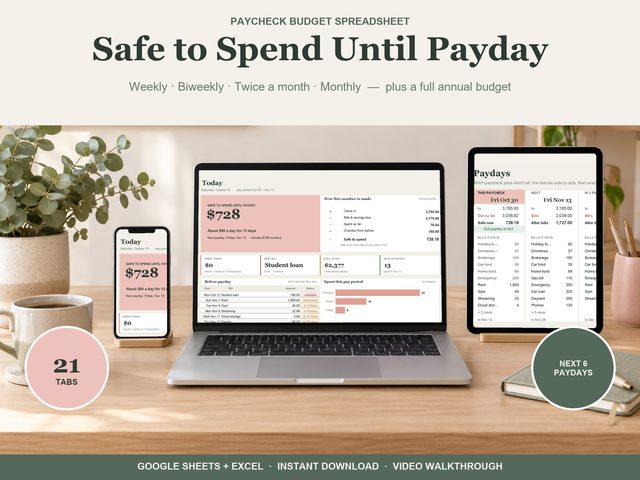 Paycheck Budget
Know what you can spend until payday. The Paycheck Budget works out one number every day:
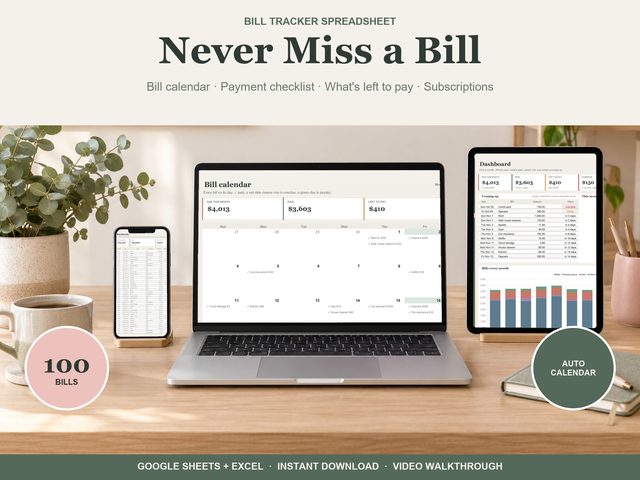 Bill Tracker
Add each bill once and never miss one: every payment for the year fills in by itself, on a payment checklist and a bill calendar.
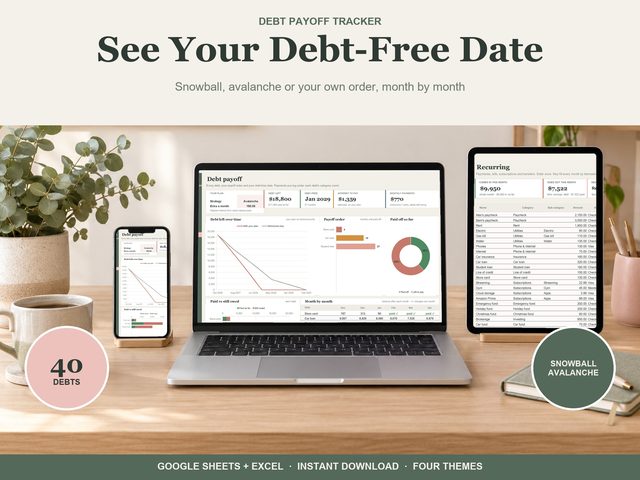 Debt Payoff Tracker
List your debts once. See the month each one is paid off and your debt-free date.