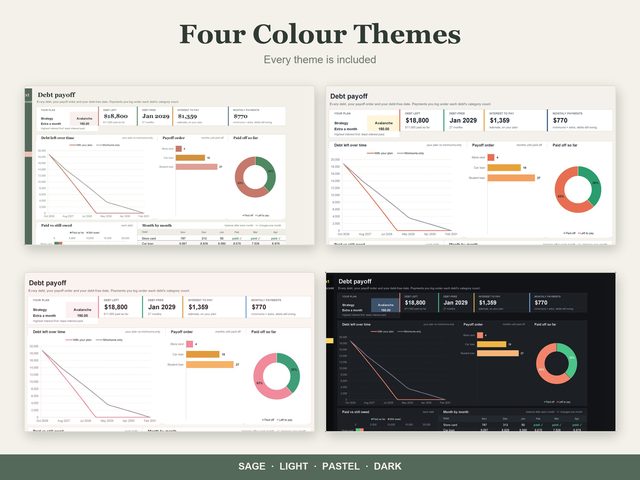
Debt Payoff Tracker
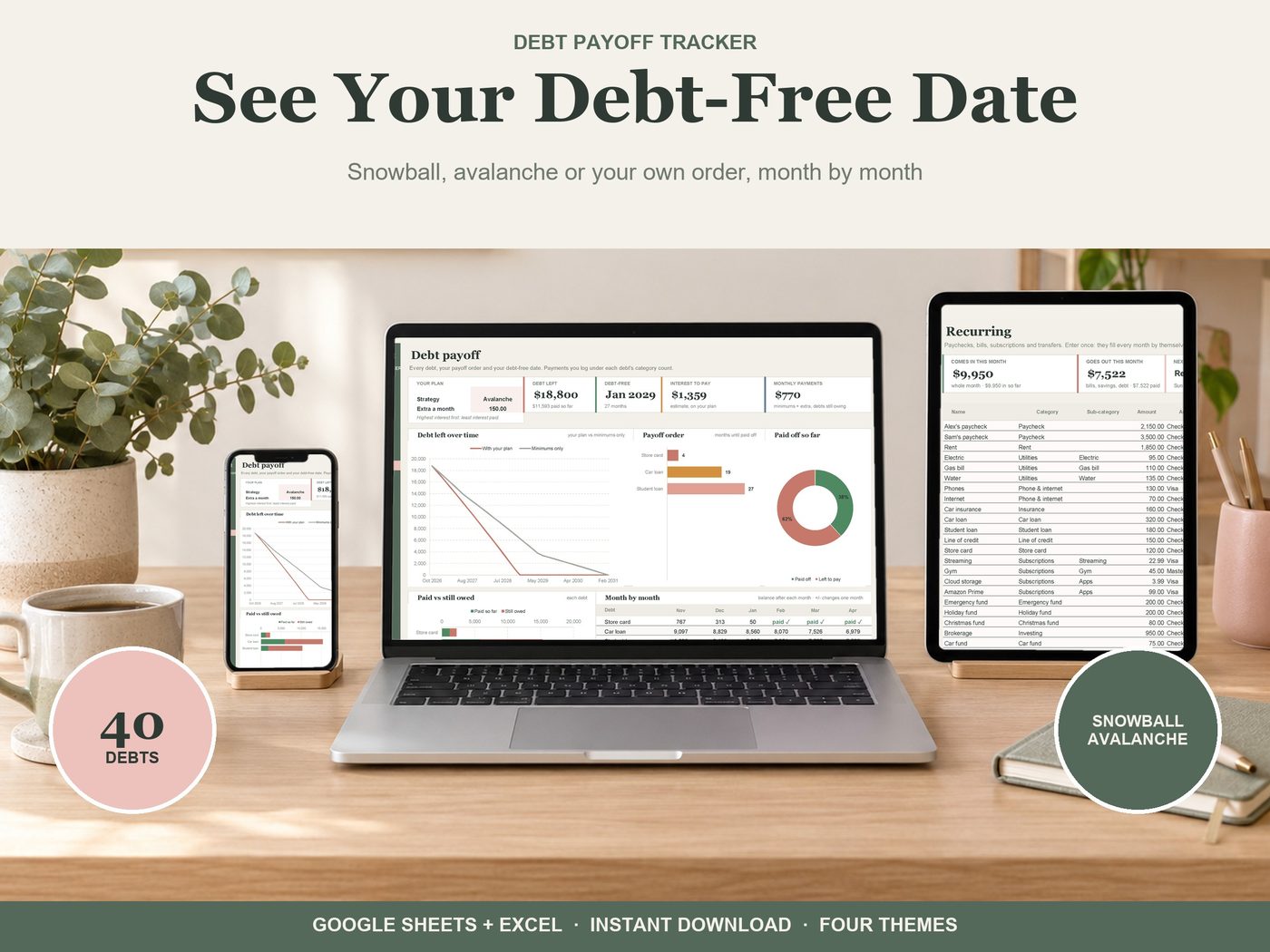
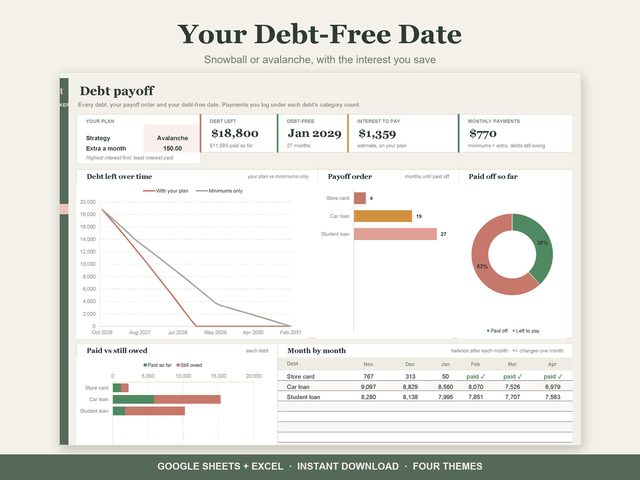
List your debts once. See the month each one is paid off and your debt-free date. Works in Google Sheets (free) and Excel 365.
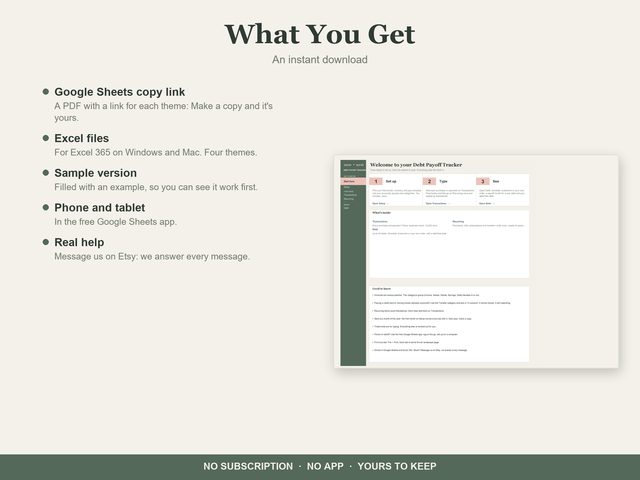
Get it on EtsyGoogle Sheets (free) and Excel 365 · Four themes · Instant download · Works on phone and tablet in the Google Sheets app
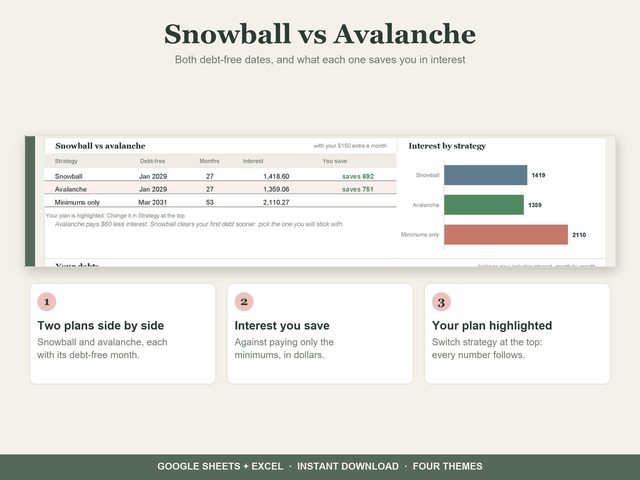
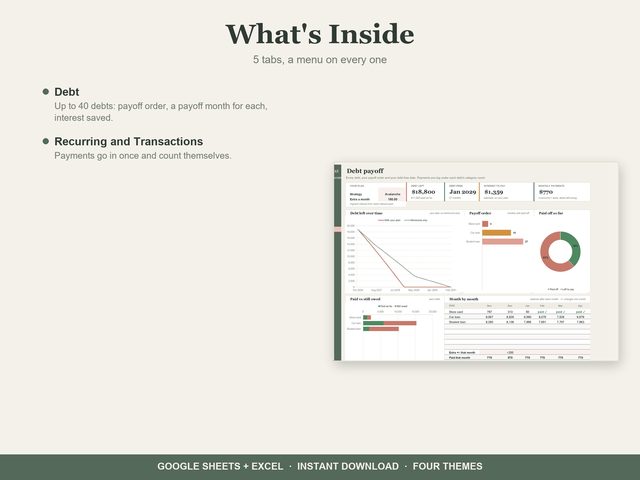
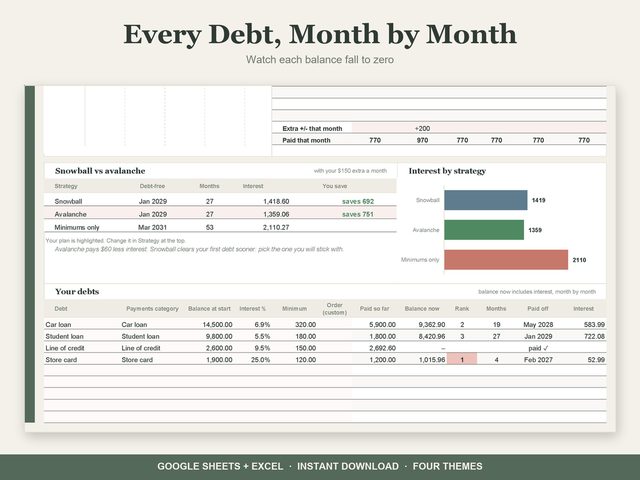
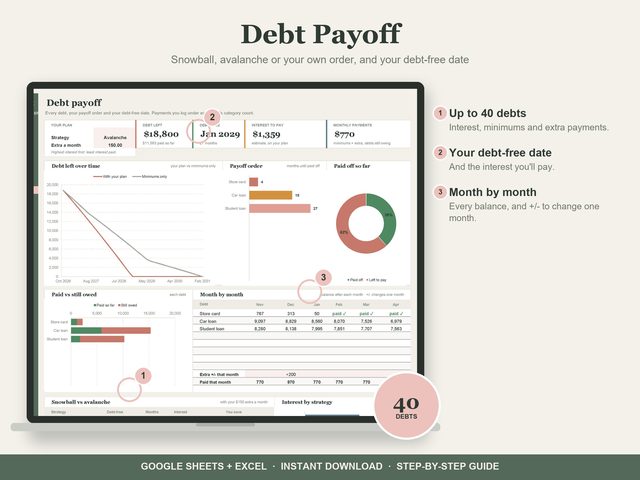
- Debt: up to 40 debts with balance, interest and minimum. Snowball, avalanche or your own order, with an extra payment that rolls to the next debt
- A payoff month for every debt, total interest, and every balance month by month
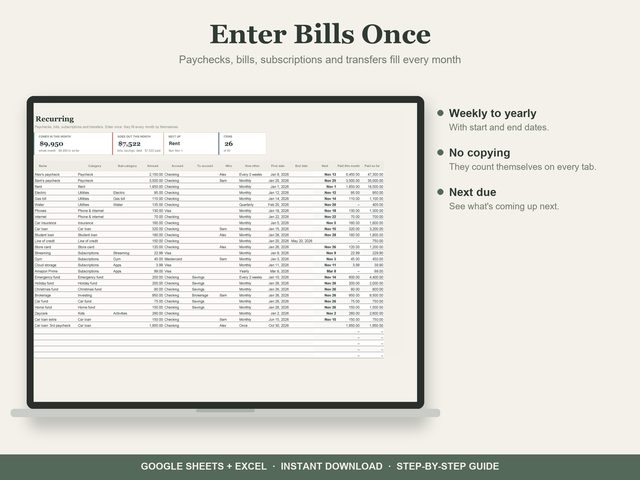
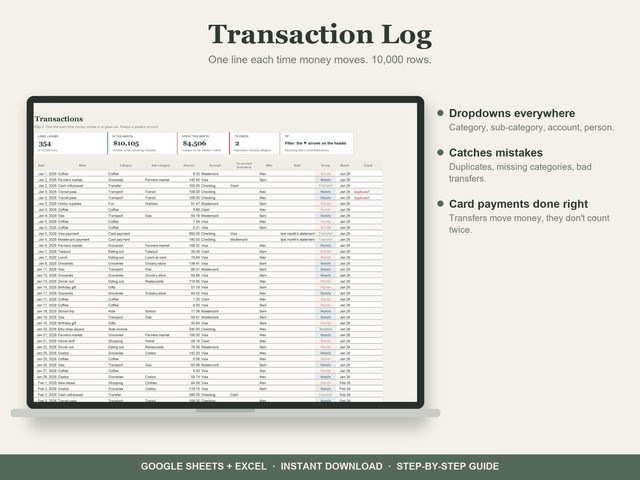
- Recurring and Transactions: payments go in once and count themselves; extra payments too
How you get it
Checkout, receipts and reviews stay on Etsy. Your download is ready right after you pay.
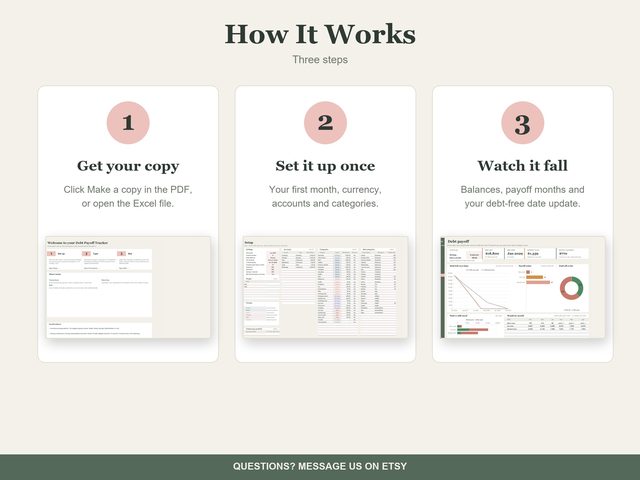
Open the PDF, click a theme's link, then Make a copy. It's yours in your own Google Drive. Prefer Excel? The Excel files are in the download too.
Enter your numbers once. Dashboards, charts and totals work themselves out.
More like this
Budget Spreadsheets
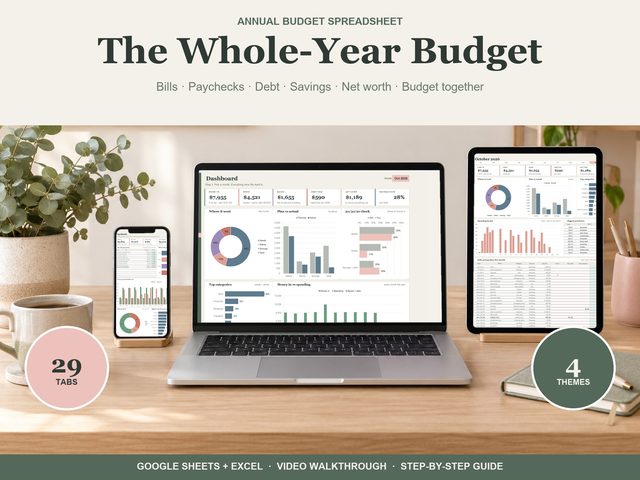 Annual Budget
Your whole year of money in one spreadsheet: type a purchase once, and every chart, month tab, bill calendar and paycheck plan…
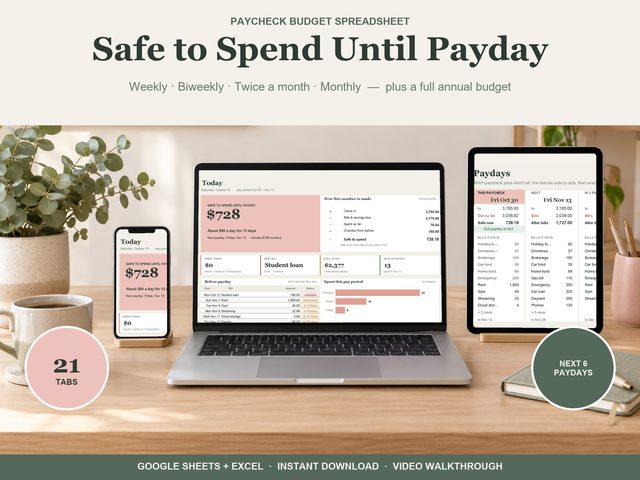 Paycheck Budget
Know what you can spend until payday. The Paycheck Budget works out one number every day:
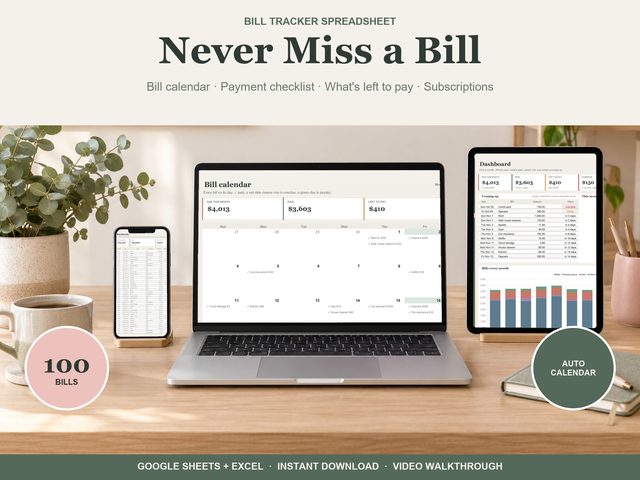 Bill Tracker
Add each bill once and never miss one: every payment for the year fills in by itself, on a payment checklist and a bill calendar.